# Как создать ярлык Ton.Place на iPhone?

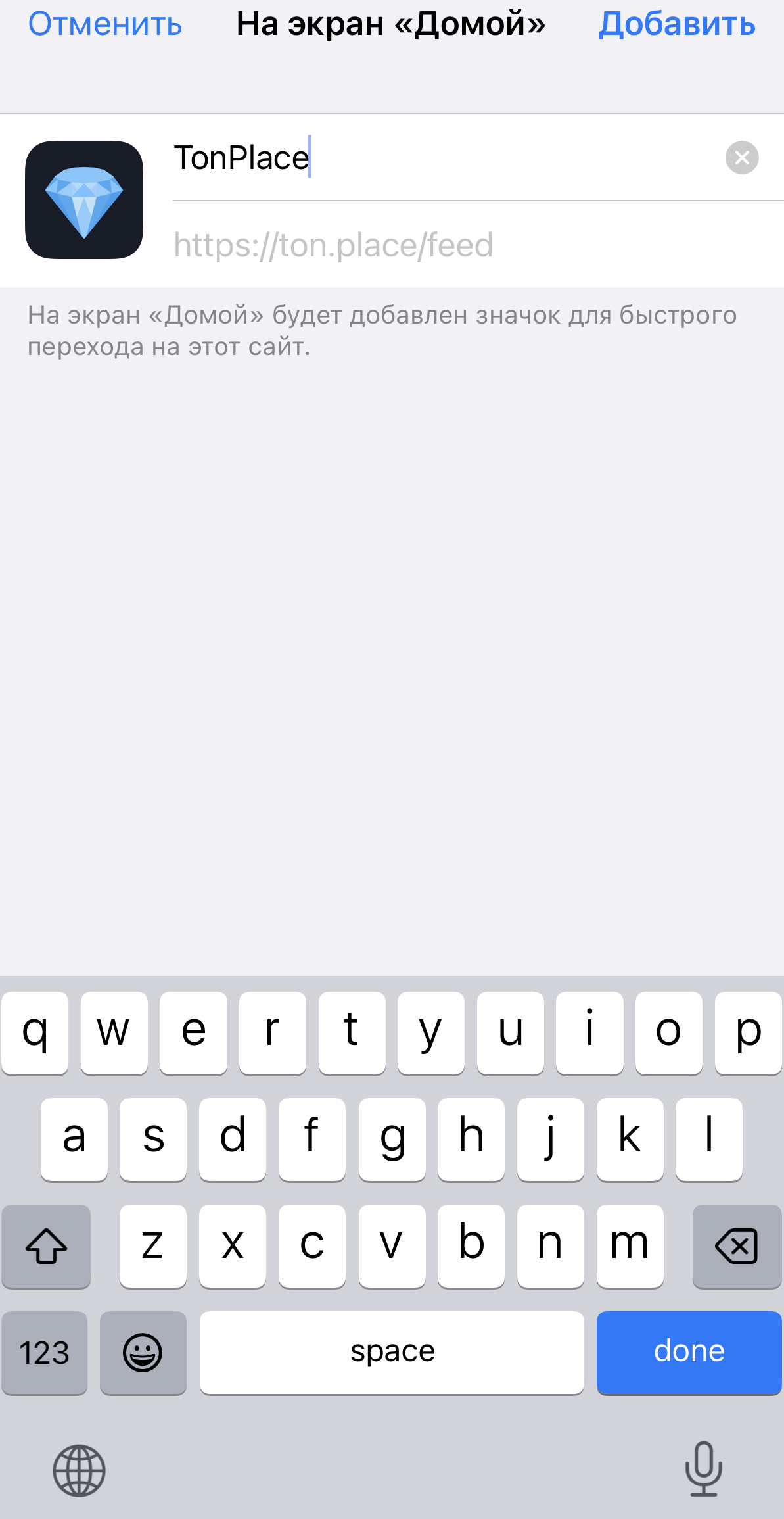
Если у вас iPhone, нужно воспользоваться браузером Safari. В других браузерах создание ярлыков не поддерживается. В Safari нужно внизу нажать на «Поделиться» и «На экран домой». После этого иконка[ Ton.Place](https://ton.place/) появится на домашнем экране вашего смартфона.

Теперь вести аккаунт на[ Ton.Place](https://ton.place/) станет удобнее. При нажатии на иконку будет открываться сайт.

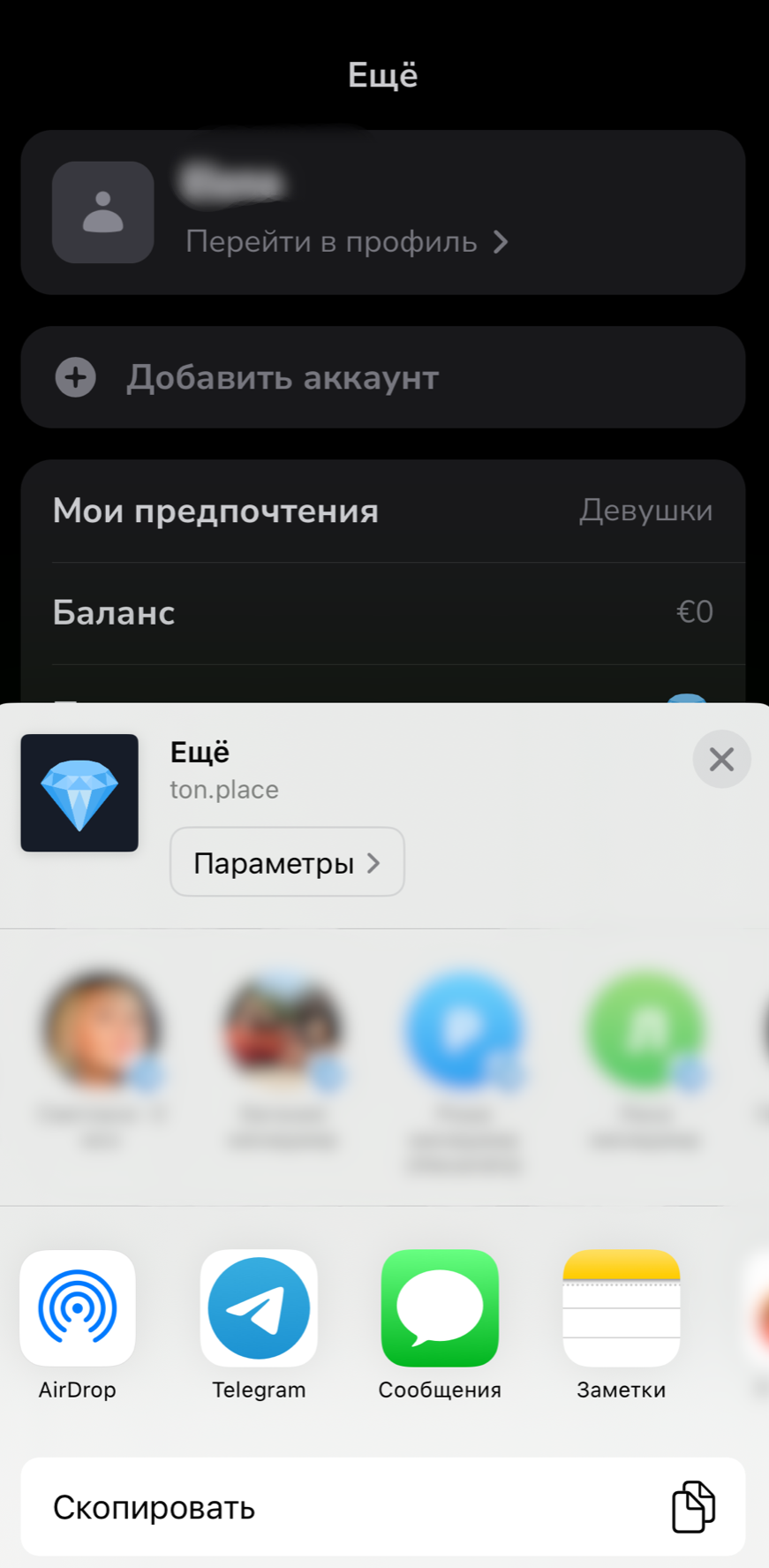
<div><figure><img src="/files/I5eD3jLVJ9U3zMU1y3ig" alt="" width="375"><figcaption></figcaption></figure> <figure><img src="/files/u4mGHweIGIzHniUPknbq" alt="" width="375"><figcaption></figcaption></figure></div>

<div><figure><img src="/files/kB8ODKRtSEZwww4AyZLI" alt="" width="375"><figcaption></figcaption></figure> <figure><img src="/files/8ekuYSRHVRSbqAHhwIjp" alt="" width="375"><figcaption></figcaption></figure></div>


---

# Agent Instructions: Querying This Documentation

If you need additional information that is not directly available in this page, you can query the documentation dynamically by asking a question.

Perform an HTTP GET request on the current page URL with the `ask` query parameter:

```
GET https://wiki.ton.place/general-information/mobile-app/how-to-create-a-ton.place-shortcut-on-iphone.md?ask=<question>
```

The question should be specific, self-contained, and written in natural language.
The response will contain a direct answer to the question and relevant excerpts and sources from the documentation.

Use this mechanism when the answer is not explicitly present in the current page, you need clarification or additional context, or you want to retrieve related documentation sections.